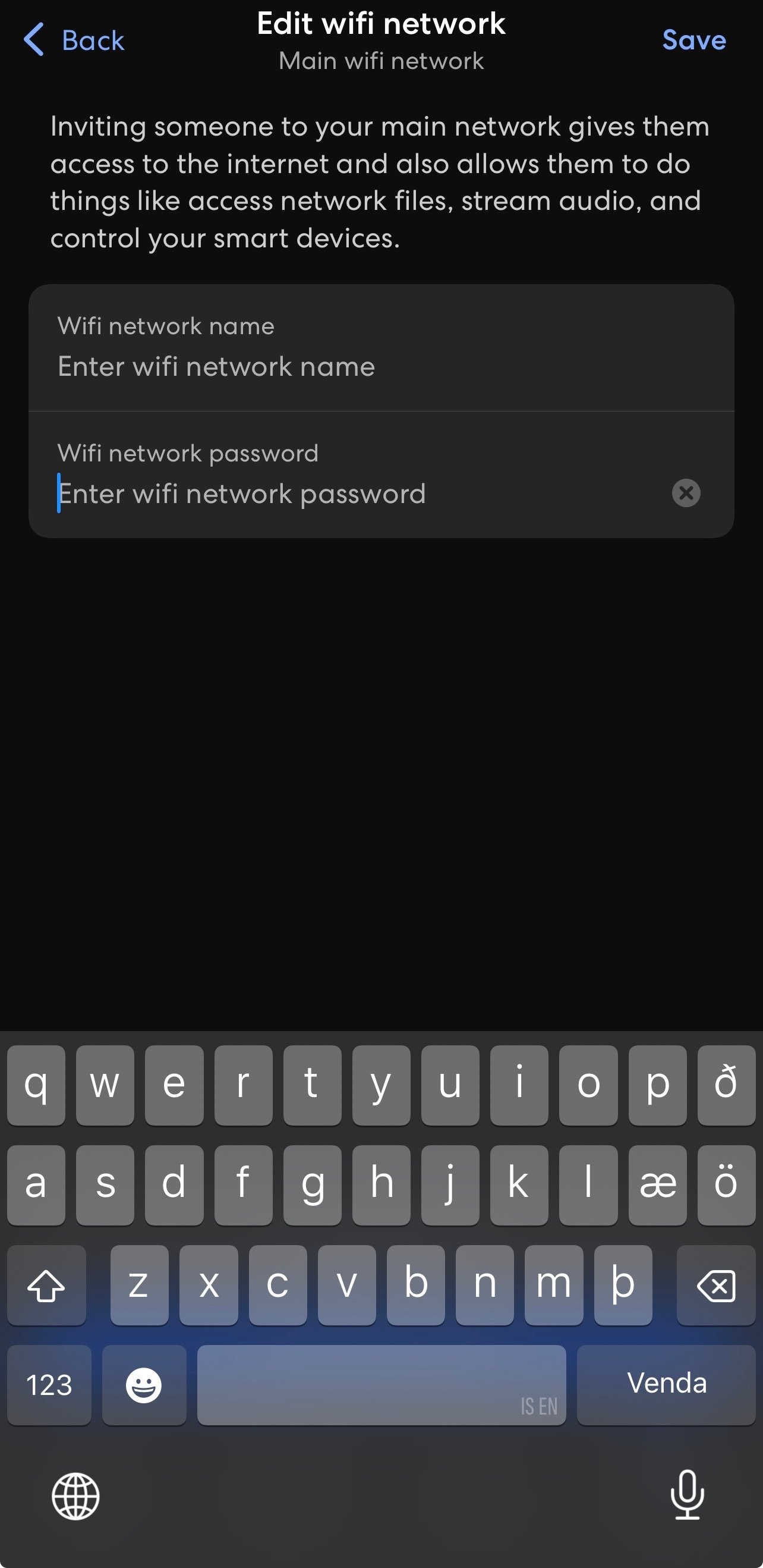
You can easily change the name and password for your WiFi network in the eero app.
How to do it
- Open the eero app
- Tap Settings in the bottom-right corner
- Select WiFi name & password at the top of the page
- Change the WiFi name and/or password as needed
- Tap Save to save your changes
Good to know
When you change your WiFi name or password, some devices may disconnect from the network. You may need to reconnect them using the new WiFi name or password.
This can apply to devices such as phones, computers, TVs, printers, and smart home devices.
It is a good idea to choose a password that is secure but easy for your household to remember. Avoid using personal information in your WiFi name or password, such as your ID number, address, or phone number.