In the eero app, you can see which devices are connected to your network, which devices have connected before, and manage internet access for specific devices or groups of devices.
This is useful if you want a better overview of your home network, identify devices you do not recognize, or set rules for internet access.
View devices on your network
- Open the eero app
- Go to the home screen or Devices
- You will see a list of devices on your network
In the app, you can see both connected devices and offline devices.
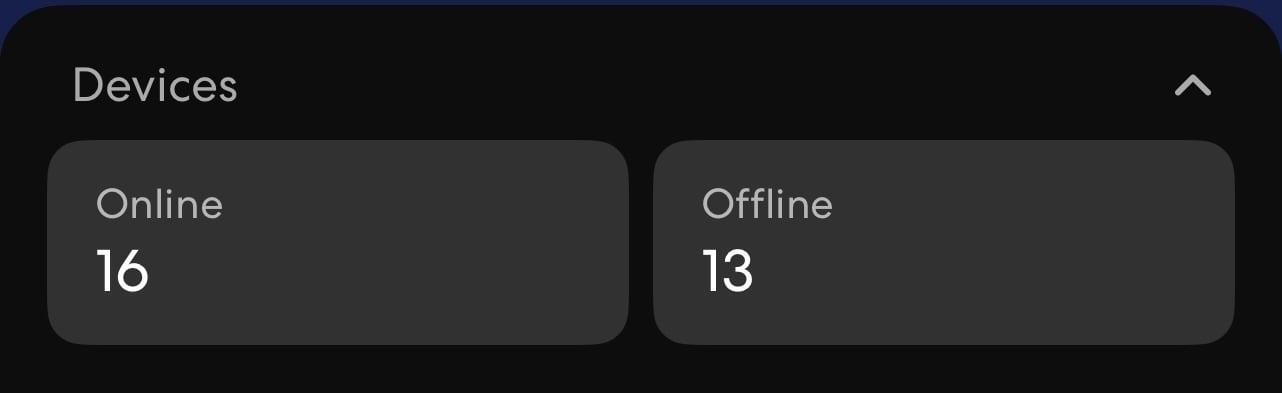
Connected devices
Connected devices are devices that are actively using your network right now.
These can include:
- phones
- computers
- TVs
- game consoles
- smart devices
When you select a device in the app, you can see more details, such as which eero it is connected to, whether it is connected by WiFi or cable, and information about data usage.
Offline devices
Offline devices are devices that have connected to your network before but are not currently active.
A device may be offline if it is:
- turned off
- away from home
- out of range
- not using WiFi at the moment
- temporarily disconnected
This can help you check whether a device you expected to be connected has dropped off the network.
Rename a device
Some devices may appear with unclear or technical names. You can rename them to something easier to recognize.
- Select the device in the eero app
- Tap the device name or Edit
- Enter a new name
- Save the change
Examples of clear names:
- Anna’s iPhone
- PlayStation
- Living room TV
- Work laptop