You can restart your eero network directly in the eero app. This can help if the internet is slow, devices keep disconnecting, or something is not working as expected.
How to restart your network
- Open the eero app.
- Go to Settings in the bottom right corner.
- Select Advanced settings.
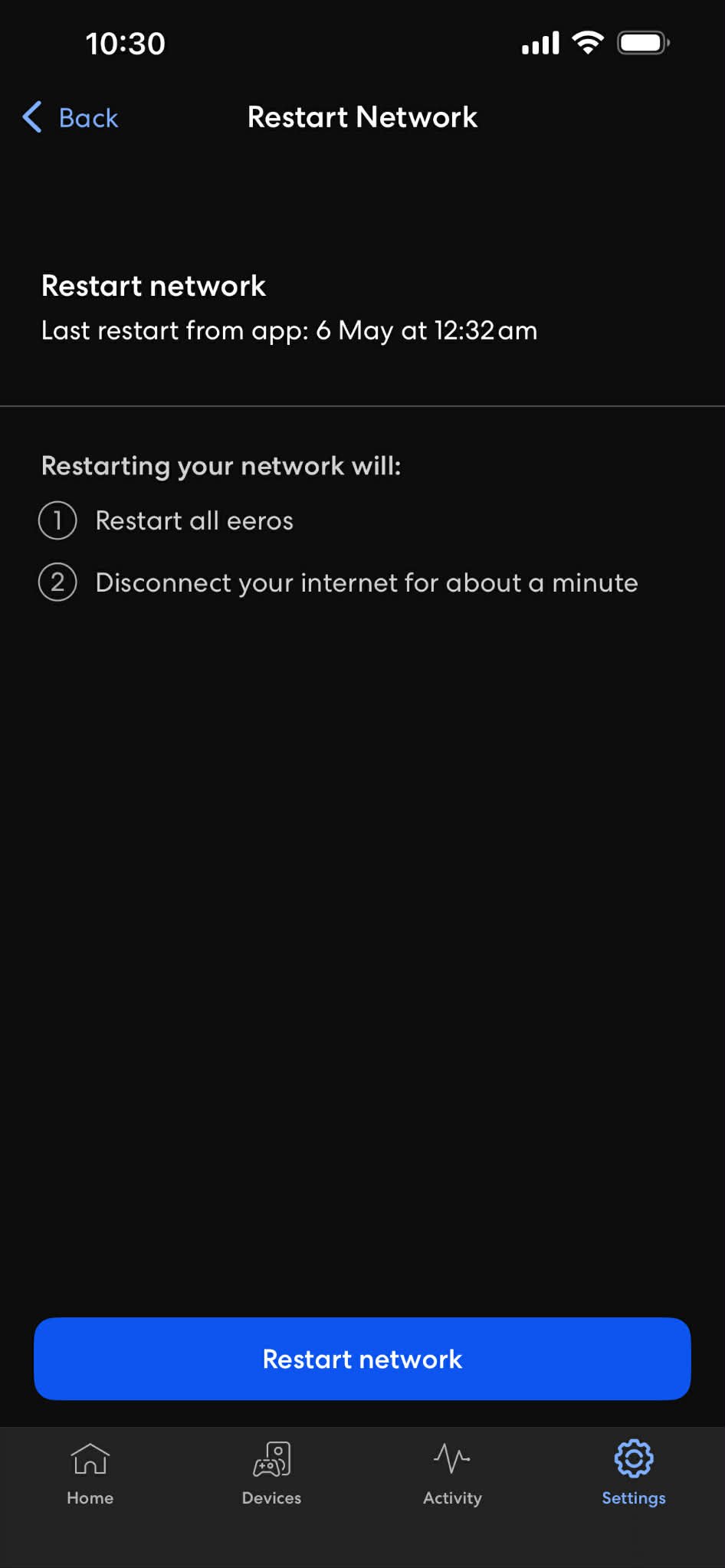
- Select Restart network.
- Confirm that you want to restart the network.
Your network will go offline temporarily while eero restarts. It may take a few minutes for everything to reconnect.
Good to know
All devices in your home will lose internet connection while the restart is in progress. This includes phones, computers, TVs, smart devices, and anything else connected to WiFi.
If the issue is not fixed
Try unplugging your eero from power for about 30 seconds and then plugging it back in. If the issue continues, it may help to restart the fiber box or contact Nova.