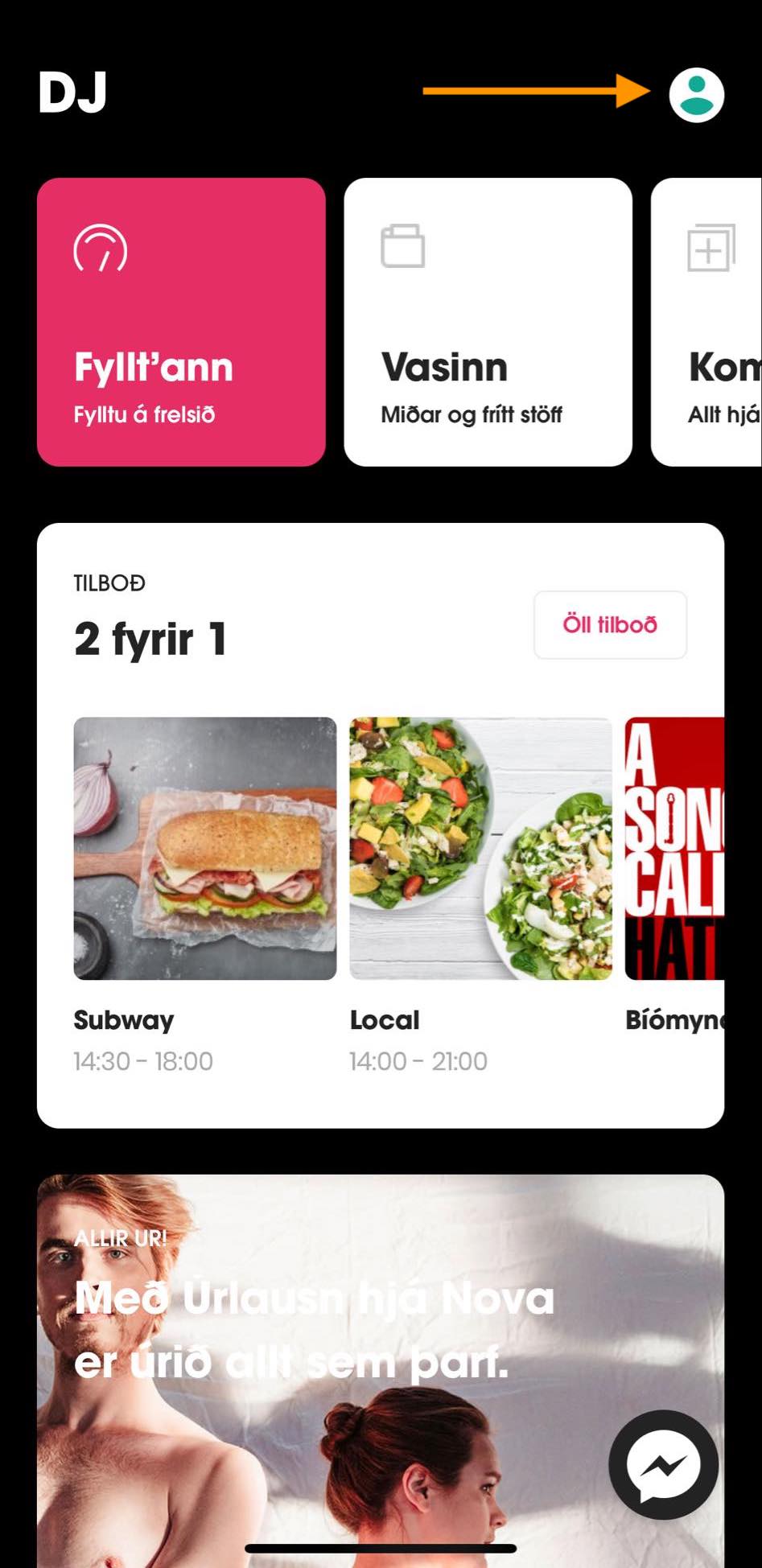
If you want to change the language in your Nova app, you simply open the Nova app and log in with a phone number.
Then you select your profile the upper right corner, and an overview of your services will appear.
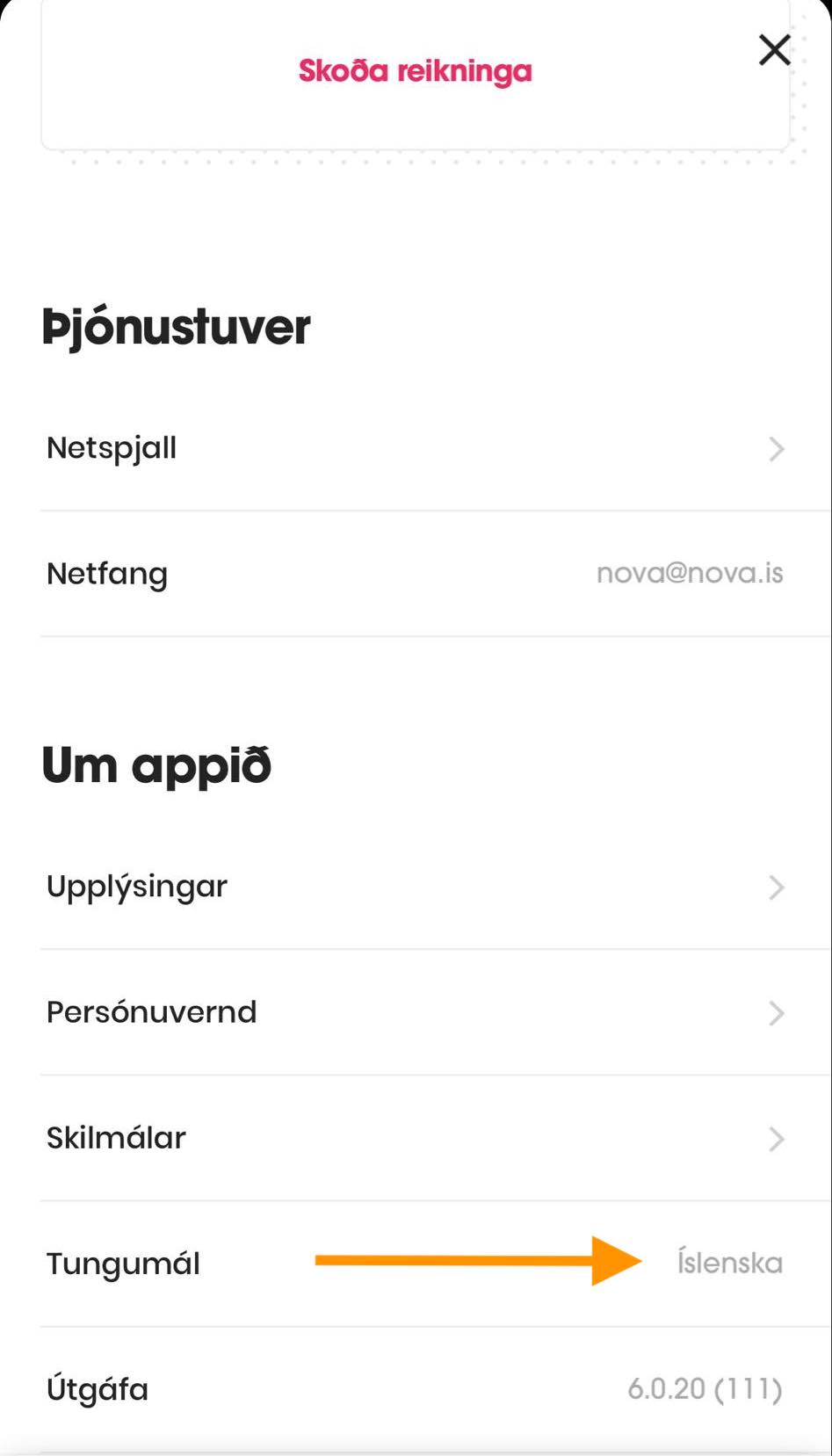
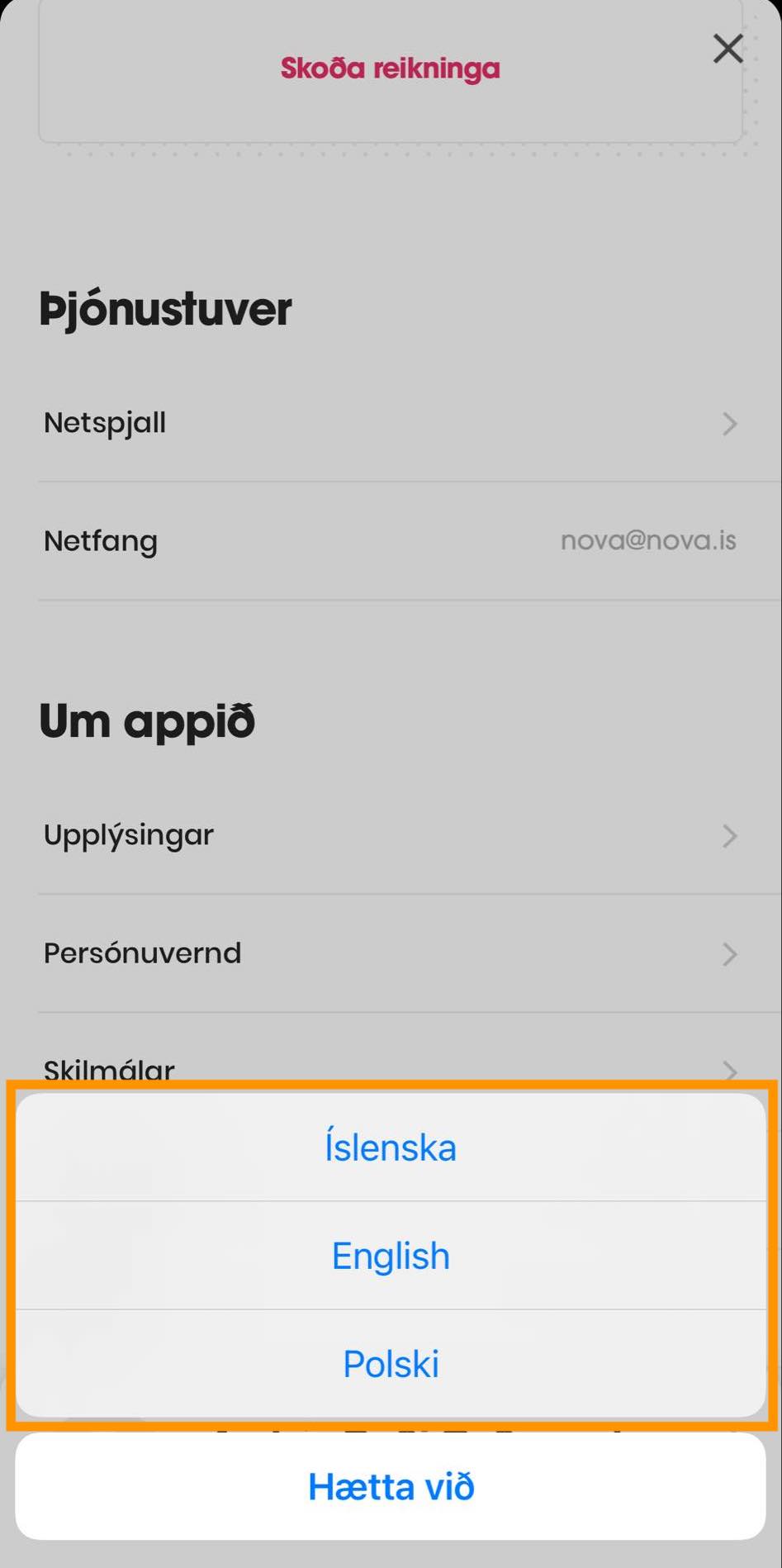
Scroll to the bottom of that page and click Language (Tungumál) and select your language preference.